Sales
Own your equipment outright. We help you compare models by volume, paper size, color needs and running costs, and plan delivery and installation.
Copier & Printer Sales
Fort Myers · Southwest Florida
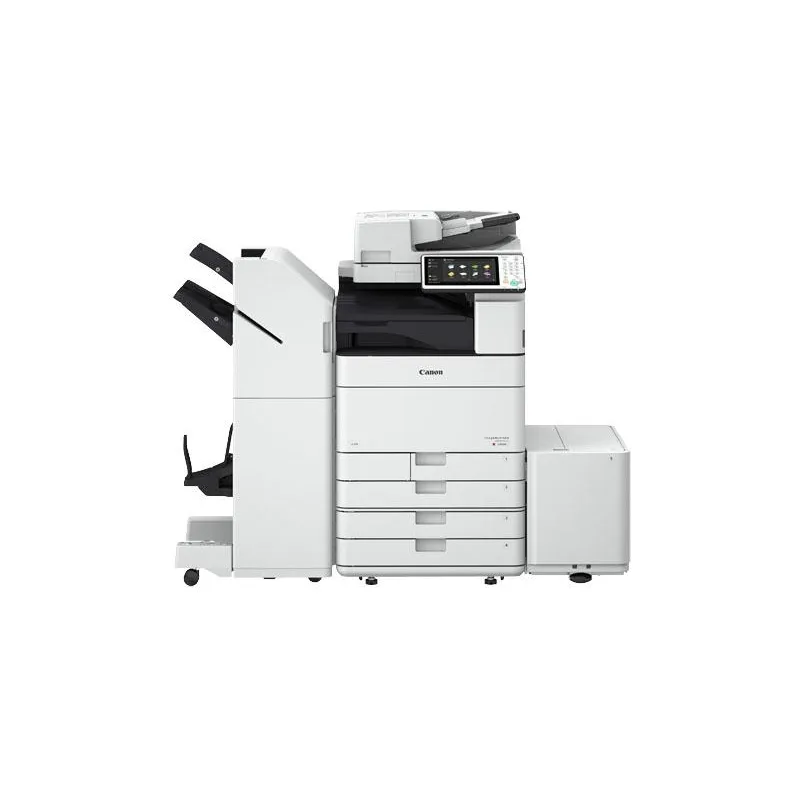
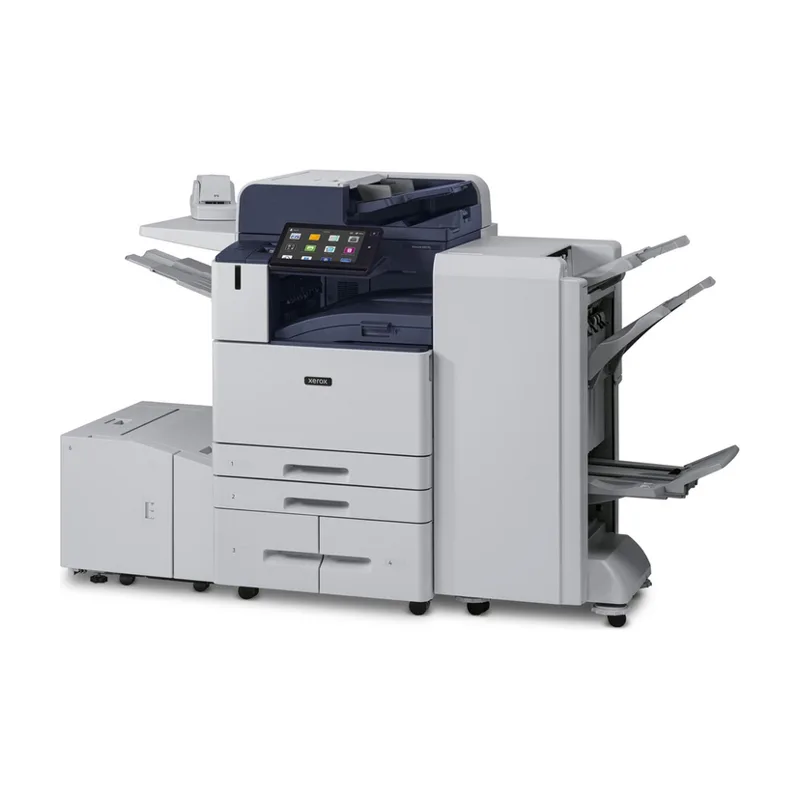
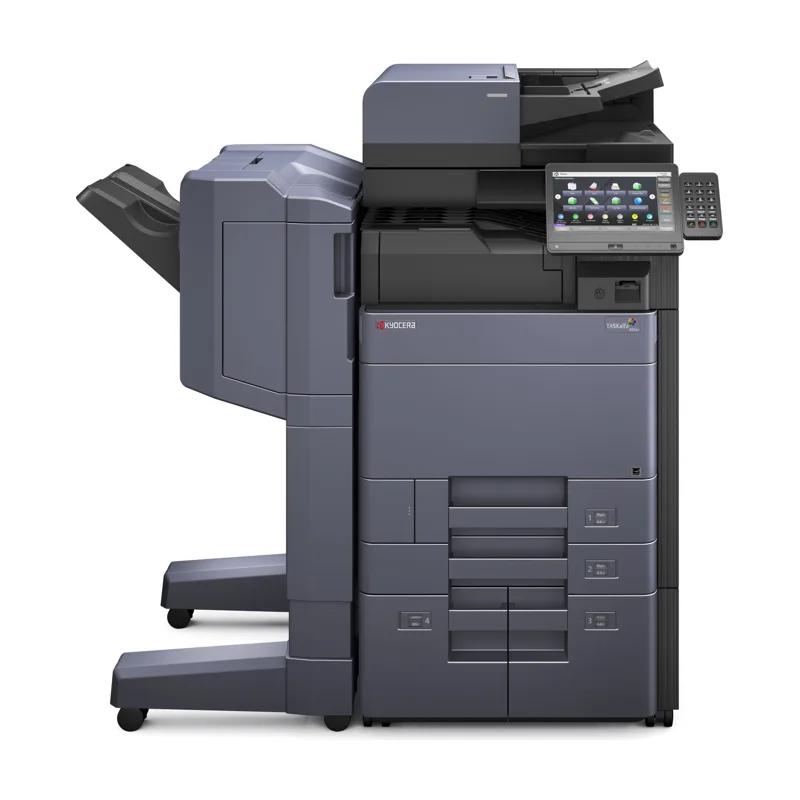
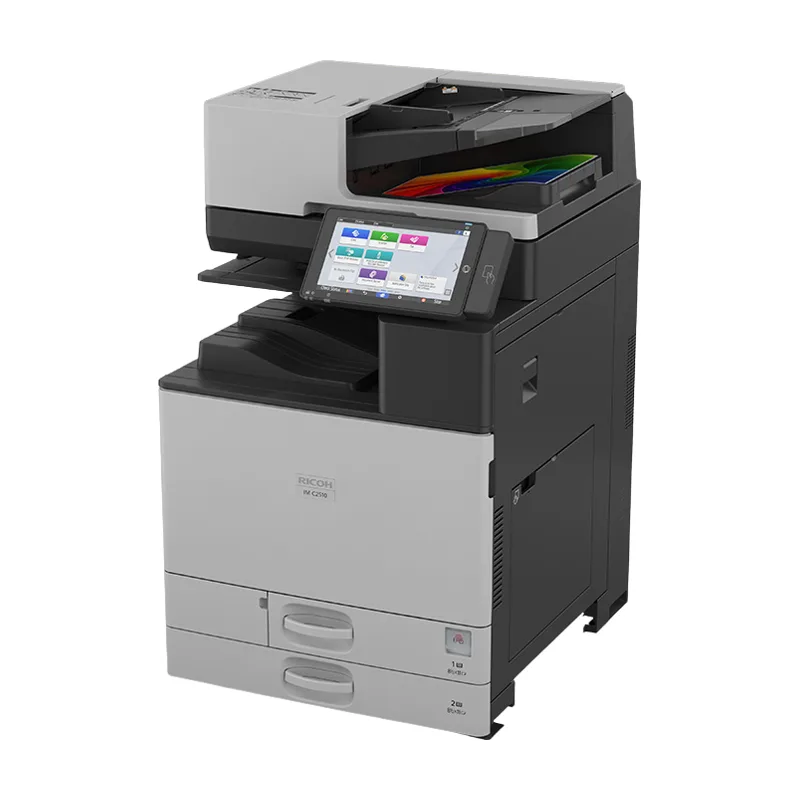
JR Copier sells, leases, rents and repairs Kyocera, Xerox, Ricoh and Canon copiers and multifunction printers (MFPs) for offices across Southwest Florida.
Buy if you want to own a device for years; lease to spread the cost over a fixed term with a planned upgrade point; rent for weeks or months; repair when your current device still fits your workload. Each option is quoted in writing.
Own your equipment outright. We help you compare models by volume, paper size, color needs and running costs, and plan delivery and installation.
Copier & Printer Sales
Spread equipment costs over a fixed term. Lease terms, print allowances and service coverage are confirmed in a written quote.
Copier & Printer Leasing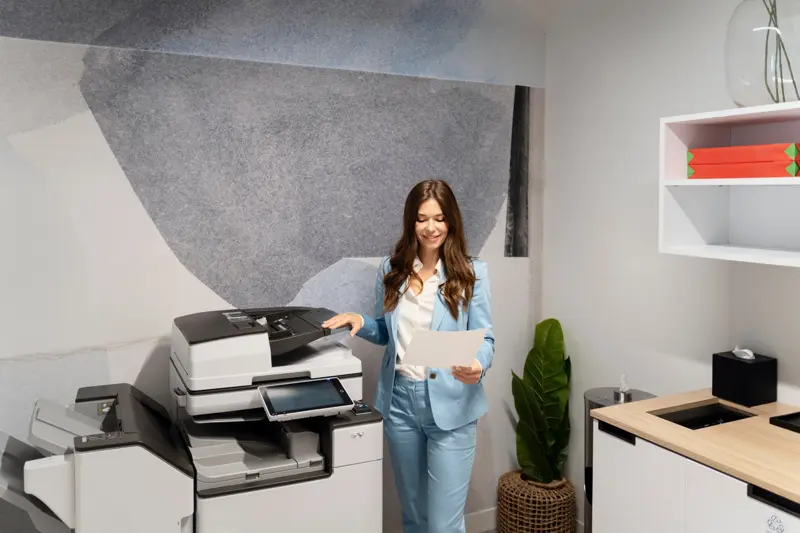
Short-term equipment for temporary offices, events, projects, seasonal peaks or while your own copier is repaired.
Copier & Printer Rentals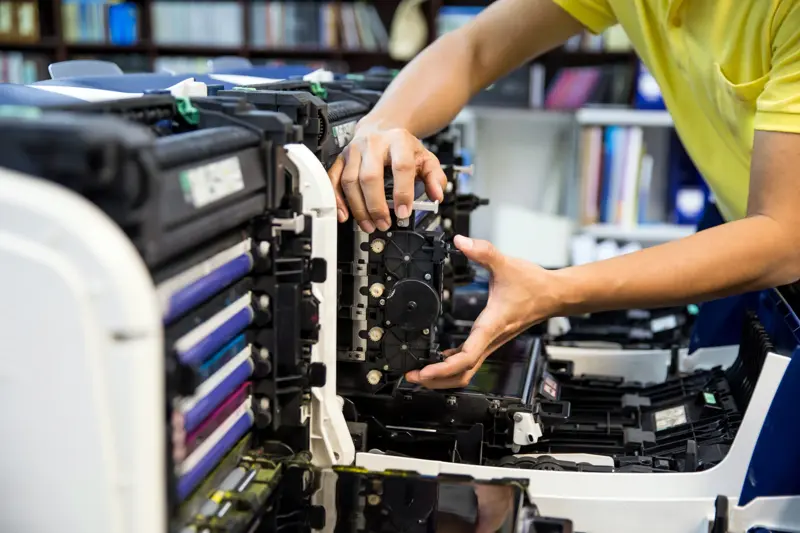
Repair and preventive maintenance for Kyocera, Xerox, Ricoh and Canon copiers, multifunction printers and standalone laser printers.
Copier & Printer Repair & MaintenanceRunning several devices? See managed print services for one agreement across your fleet, and document management software for scanning workflows.
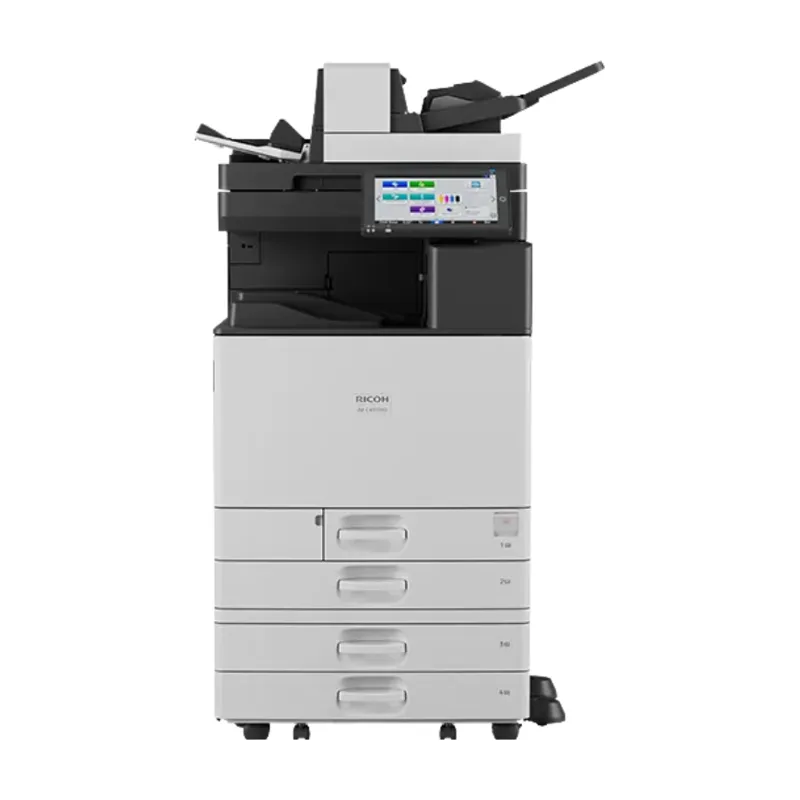
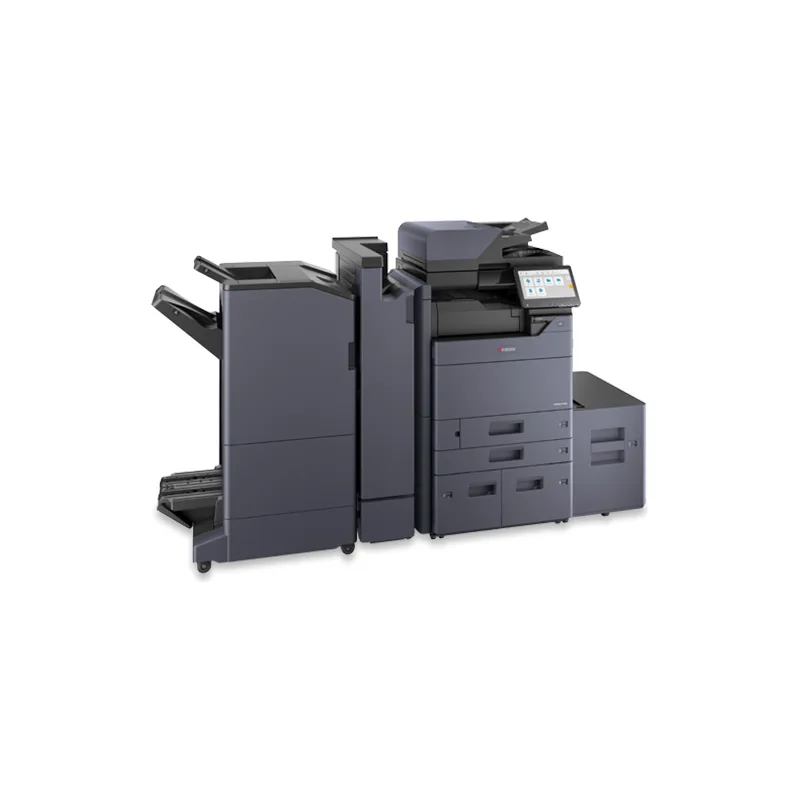
We sell, lease, rent and service Kyocera, Xerox, Ricoh and Canon equipment — from desktop color multifunction printers to 90-page-per-minute (ppm) black-and-white systems and production color printers — and repair standalone office laser printers. The same team that installs your device maintains it, whichever of the four brands you choose. Browse all 29 models in the equipment catalog, or compare the lineups on the brands page.
Compare brandsFeatured equipment
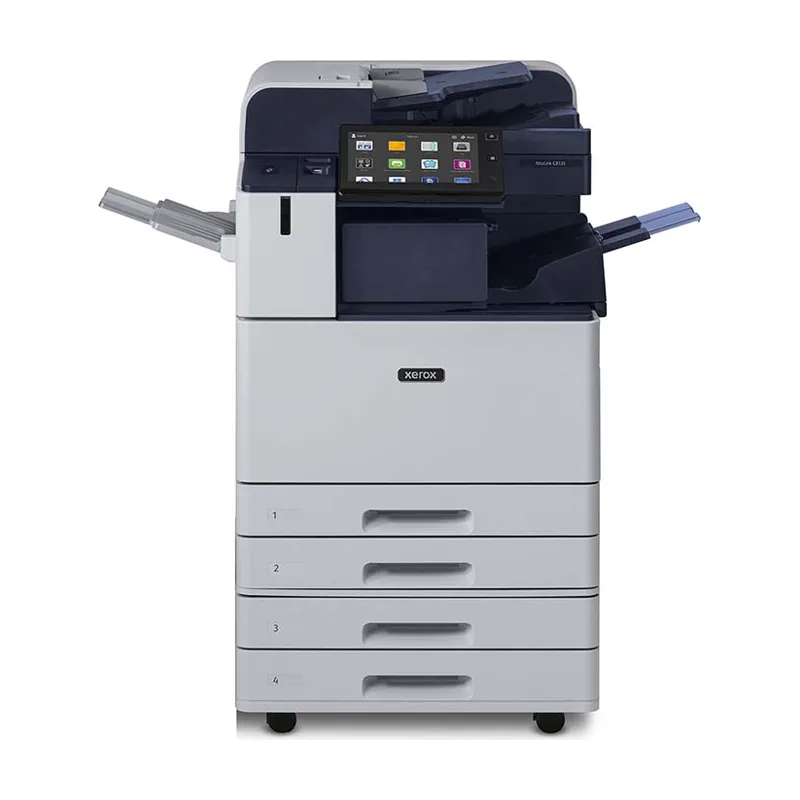
Speeds in pages per minute (ppm). Leases start at $99/month for desktop models and $149/month for larger copiers; final pricing by written quote. Browse all 29 models.
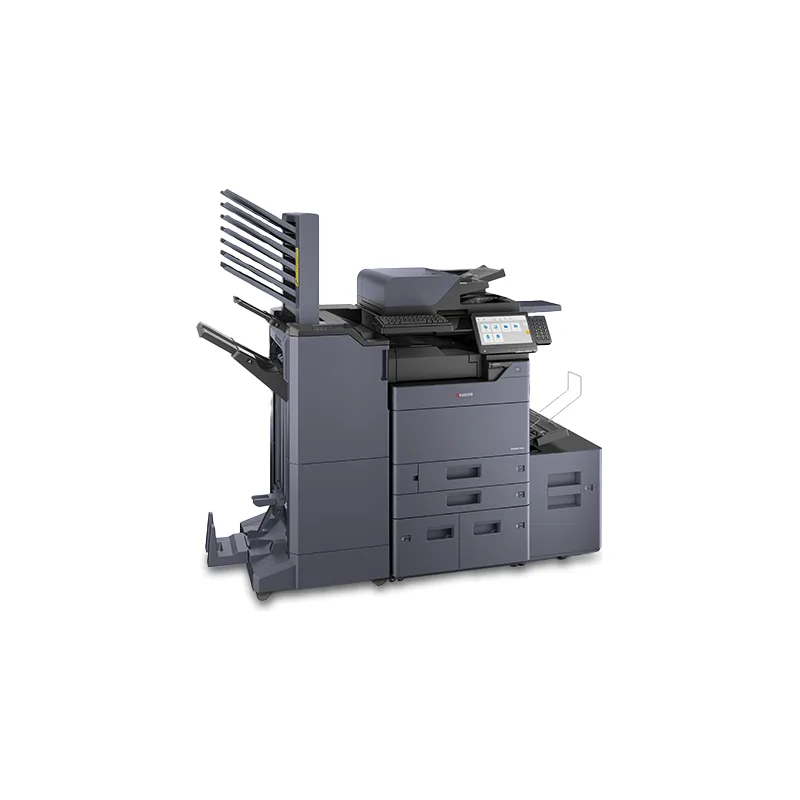
Lease from $149/mo
Color Copiers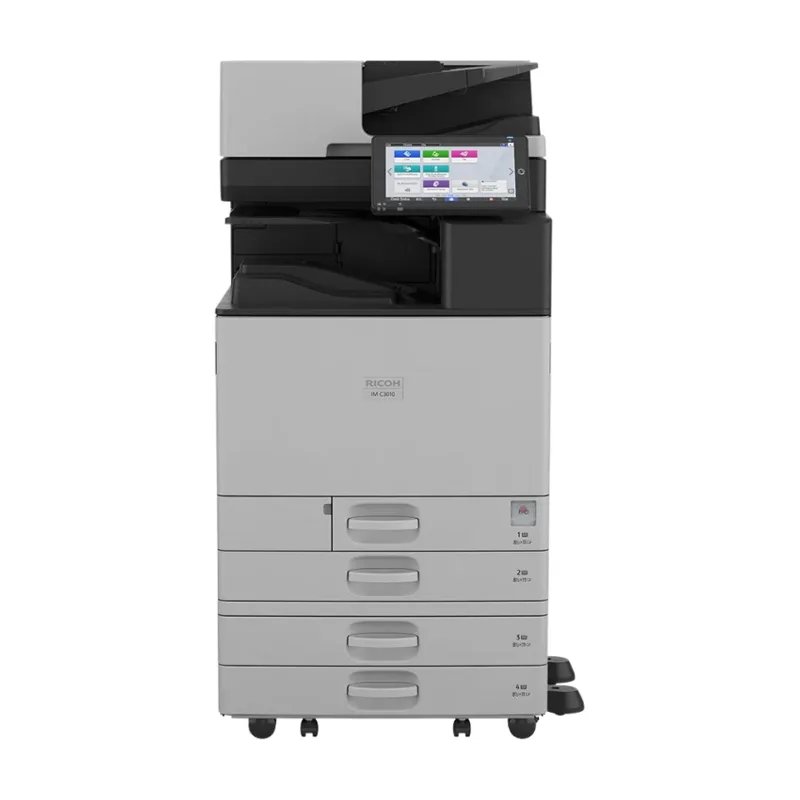
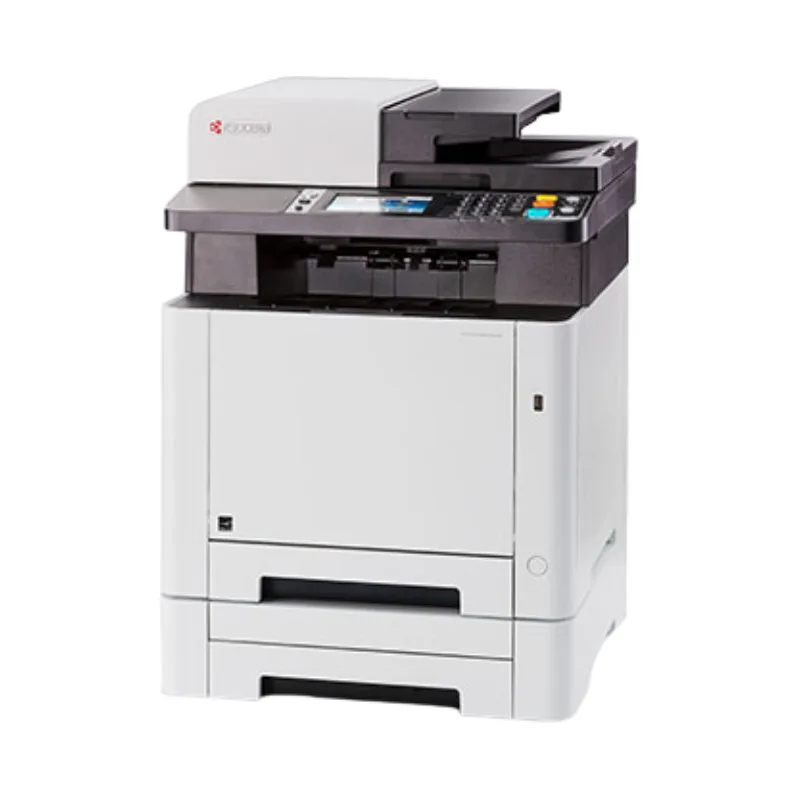
Lease from $99/mo
Desktop Copiers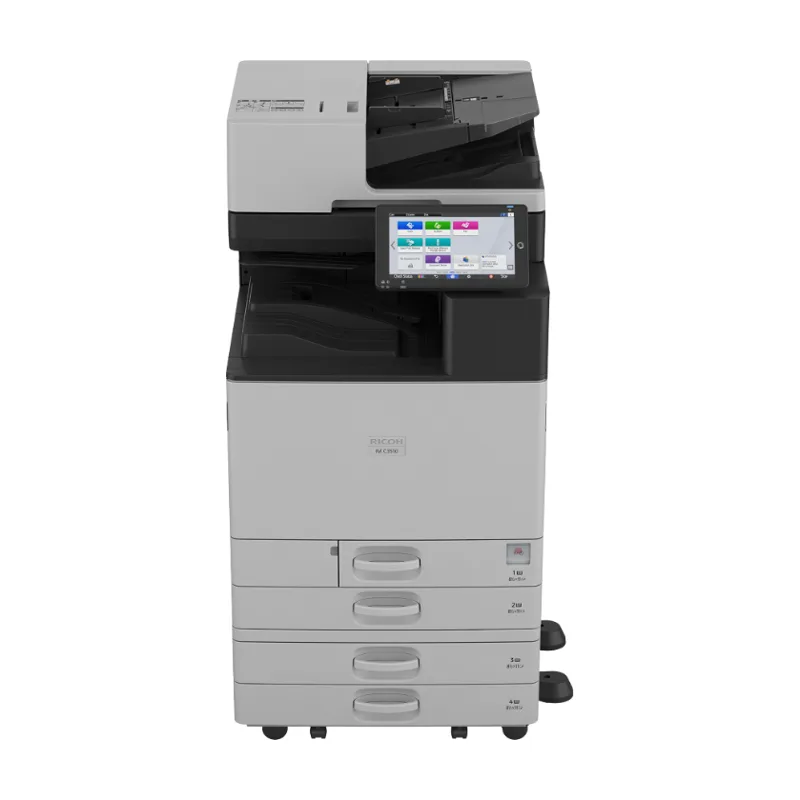
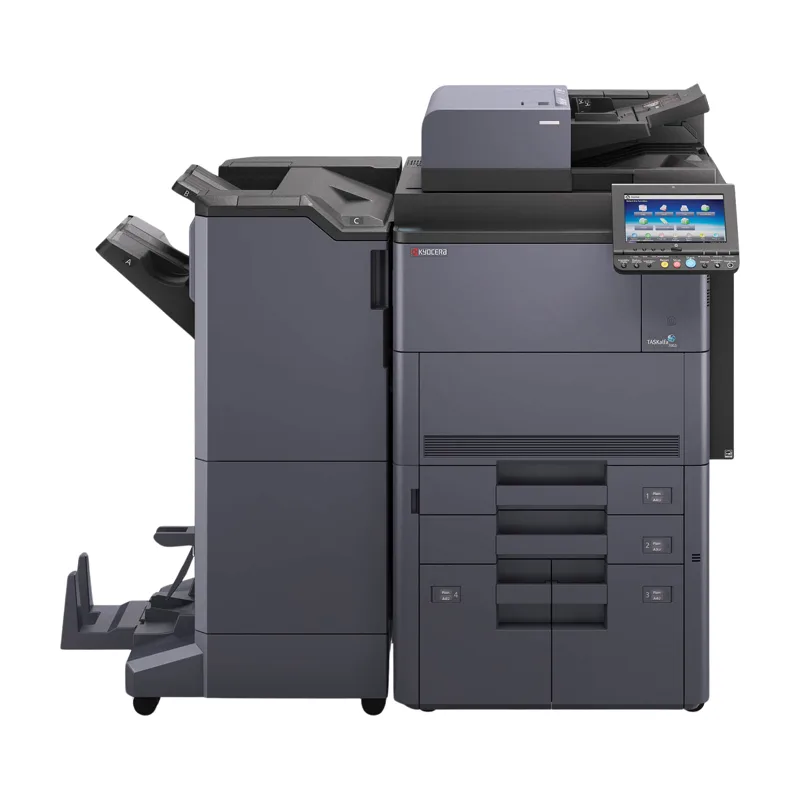
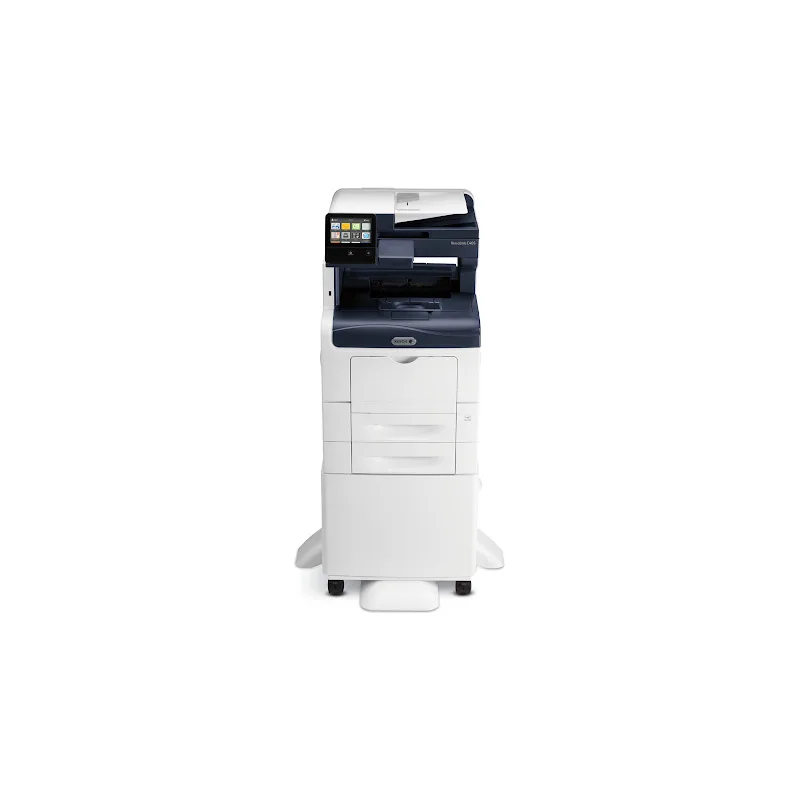
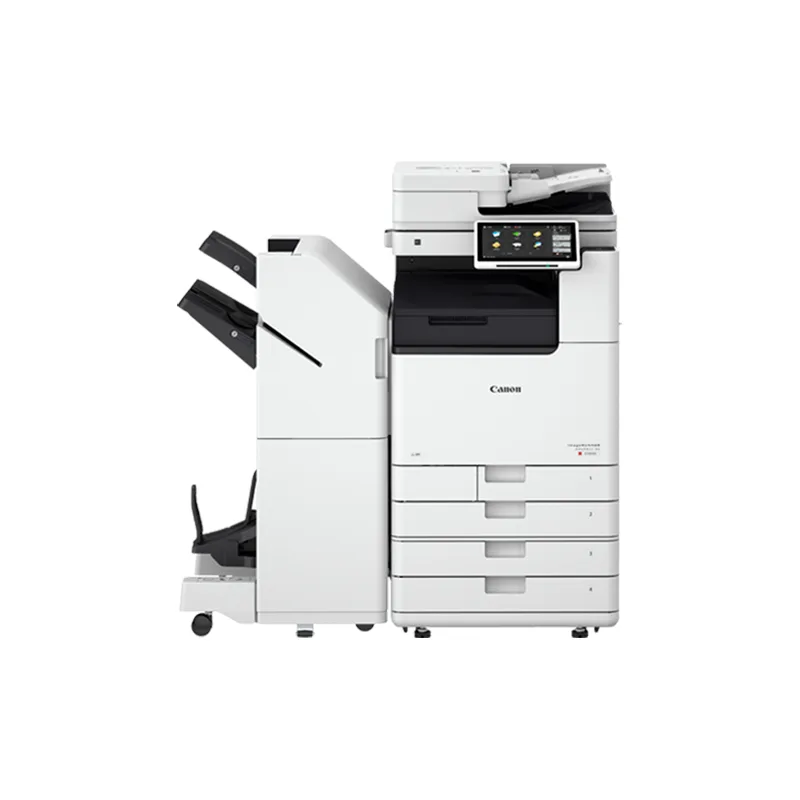
Lease from $149/mo
Color CopiersAdditional color and black-and-white models from Kyocera, Xerox, Ricoh and Canon, each available to buy, lease or rent.
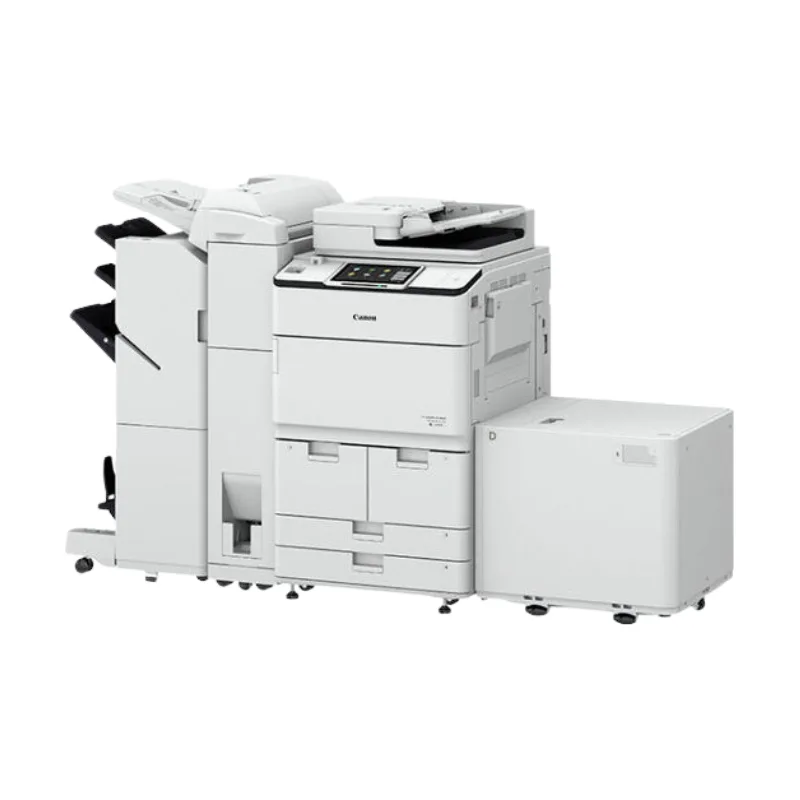
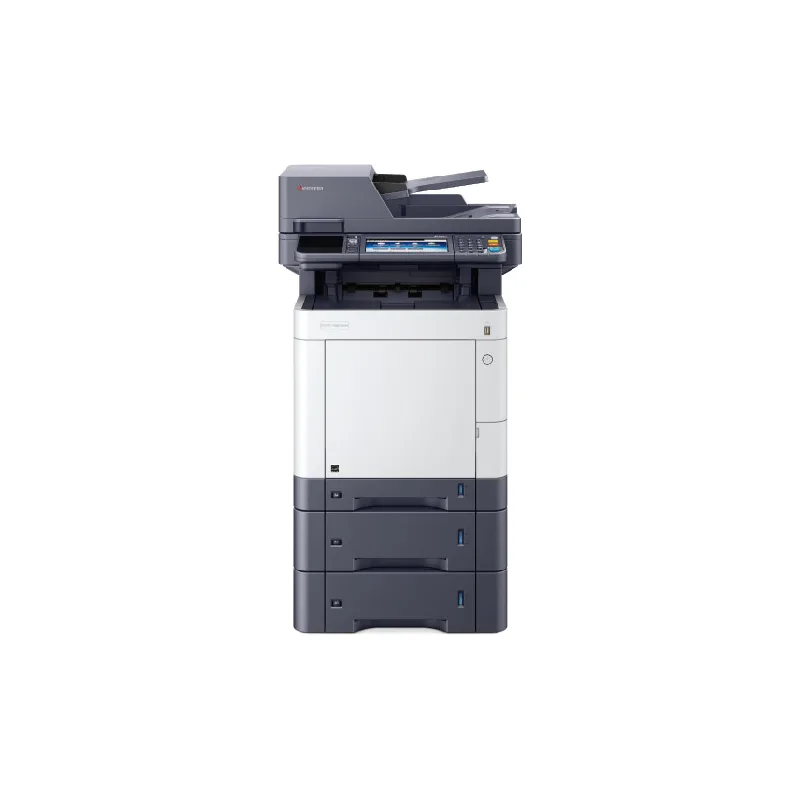
A copier lease payment is driven mainly by five factors. Device class: faster, color and ledger-size (11×17 in) machines cost more than desktop black-and-white models. Term length: a longer term lowers each payment but commits you for longer. Lease type: a fair-market-value lease usually has lower payments than one with a set buyout at the end. Included pages: a larger monthly page allowance, and a higher share of color pages, raise the base payment but reduce overage charges. Service coverage: including toner, parts and labor in the agreement raises the payment but removes separate repair and supply bills. Ask for the same device quoted on two term lengths to see the trade-off.
Pay-per-page pricing charges a monthly base amount that includes a set number of black-and-white and color pages, then bills pages above that allowance at an agreed rate per page. Unused included pages expire at the end of each month; they don't roll over. Networked devices report meter readings automatically; devices that aren't on the network can submit readings manually. The per-page rate depends on three things: the device class, your monthly volume (higher committed volume generally lowers the rate per page), and what the agreement covers — toner, parts and labor. Color pages cost more than black-and-white because they use four toners. Your rates are confirmed in a written quote.
Review a copier lease in four steps before you sign, so the payment, the page allowance and the end of the term all match what you expect.
Full copier lease checklistWe size equipment to your real workload, put every term in writing, and handle repair for all four brands we sell from our Fort Myers office.
We match models to your monthly page volume, color share, paper sizes and scanning and finishing needs.
Parts, labor, supplies, page allowances and overage rates are spelled out before you commit.
Share the model, error code and symptoms, and we'll recommend repair, maintenance or replacement.
We aim for same-day response when possible; the visit time is confirmed when you call.
We serve offices in Fort Myers, Cape Coral, Naples, Lehigh Acres, Bonita Springs, Estero, Port Charlotte, Punta Gorda, North Port and Marco Island — across Lee, Collier, Charlotte and southern Sarasota counties — from our office at 12165 Metro Pkwy, Fort Myers, FL 33966. Visit times for your address are confirmed when you book.
Tell us the equipment or service you need and your address, and we'll follow up with options.