What to share when you request service
The fastest way to a diagnosis is good information. Before you call or submit a request, note the following:
- Make and model (on the front or top of the device)
- Serial number and current meter reading, if available
- Any error code shown on the display
- What happens — jams, streaks, noises, network or scanning problems
- When it started and whether it is intermittent
- Your address and an on-site contact
What we repair
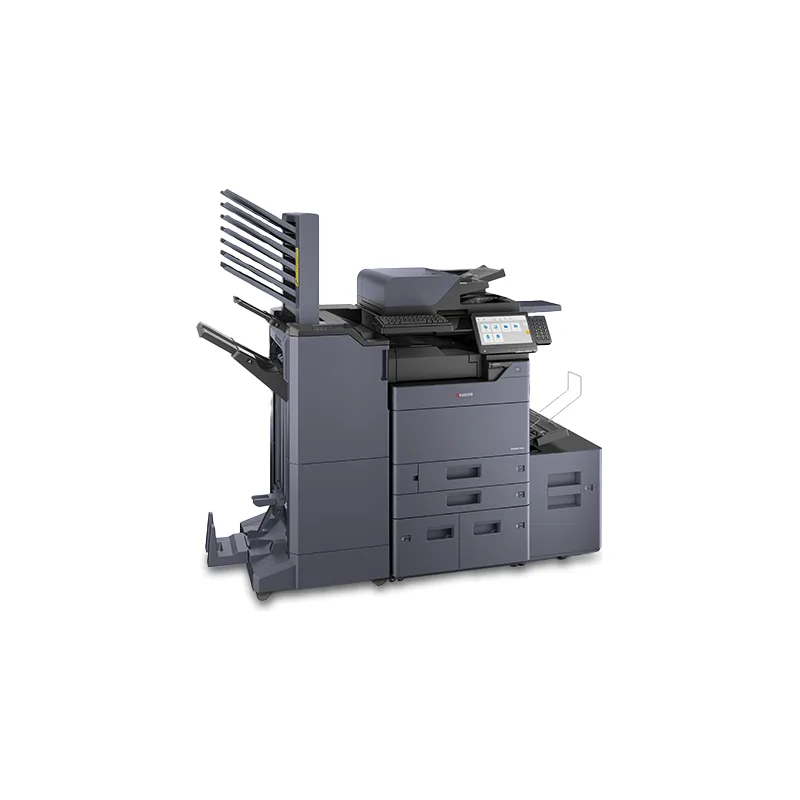
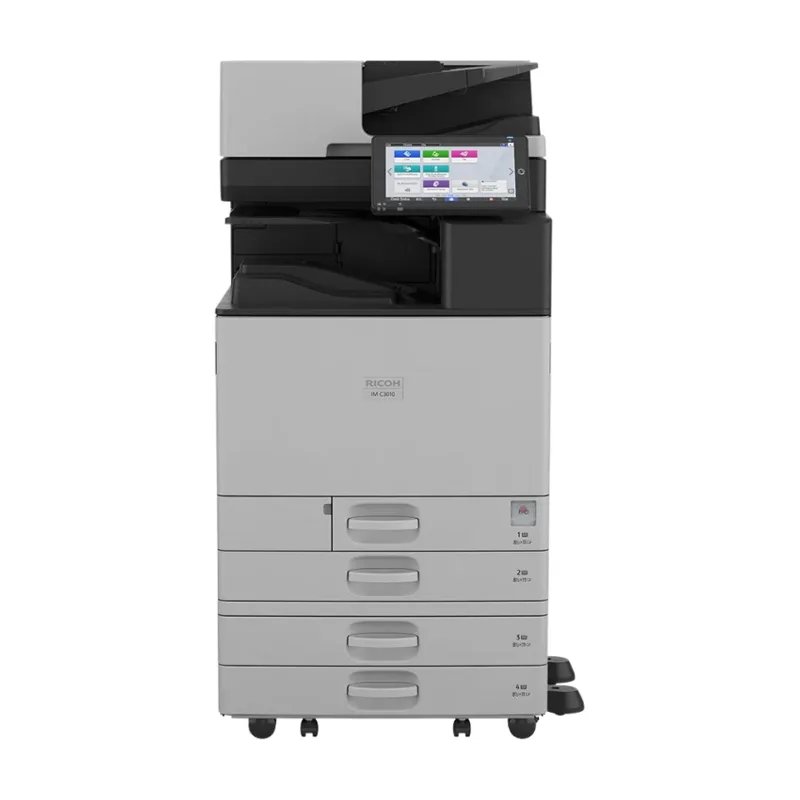
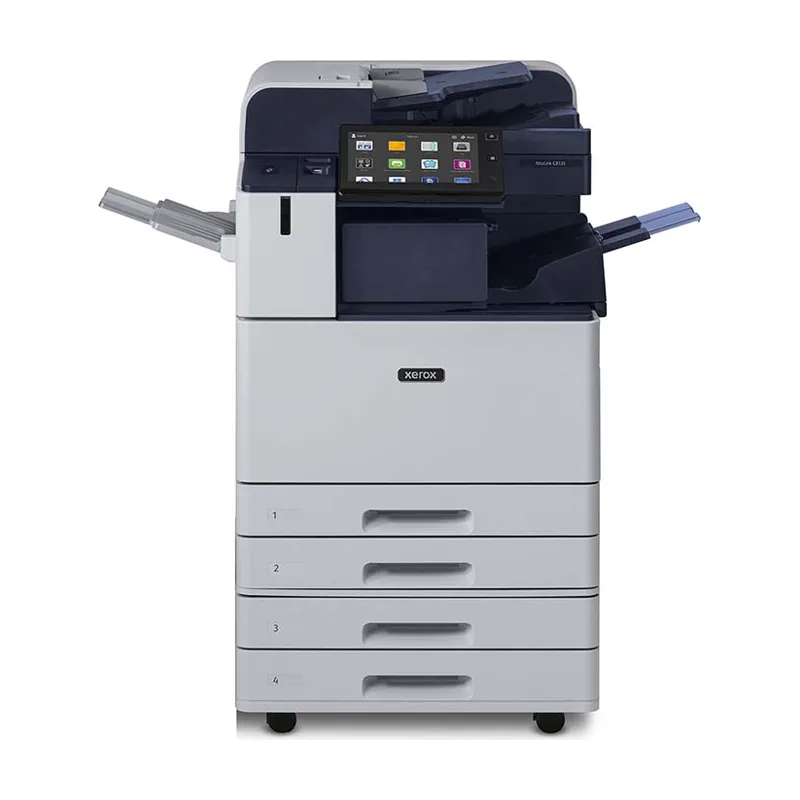
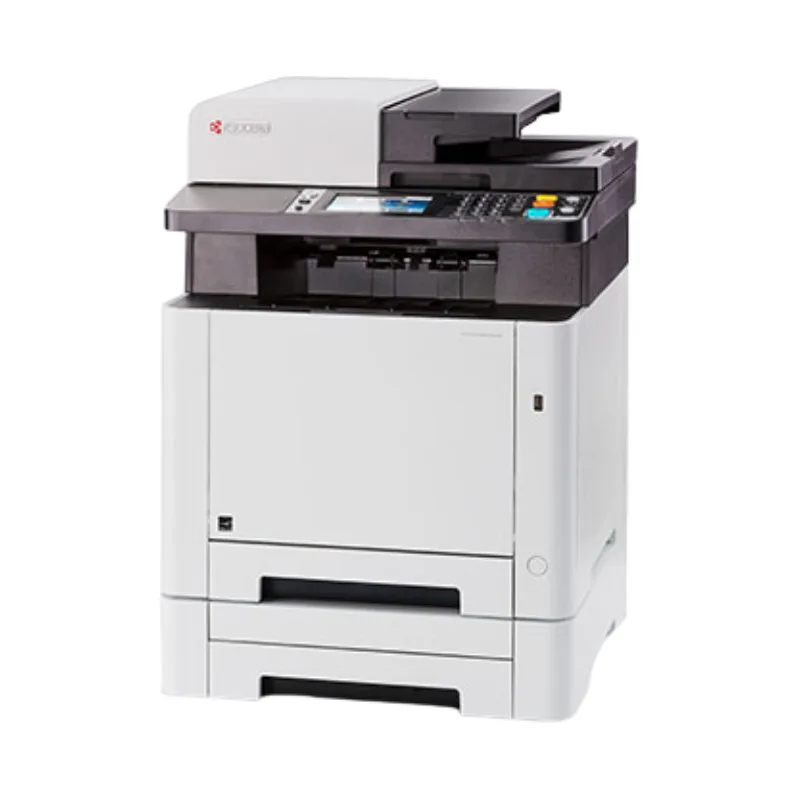
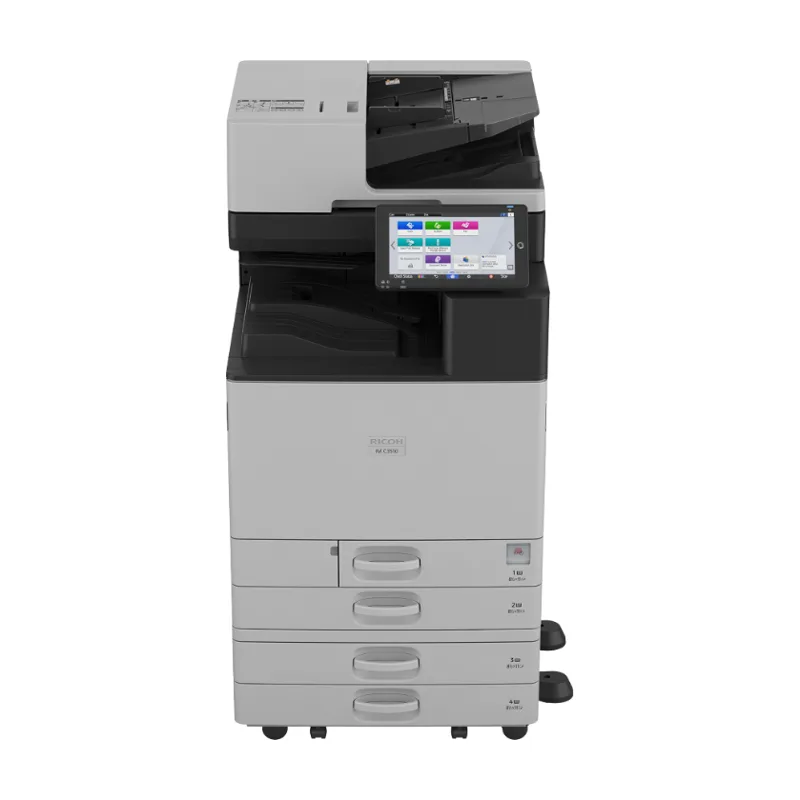
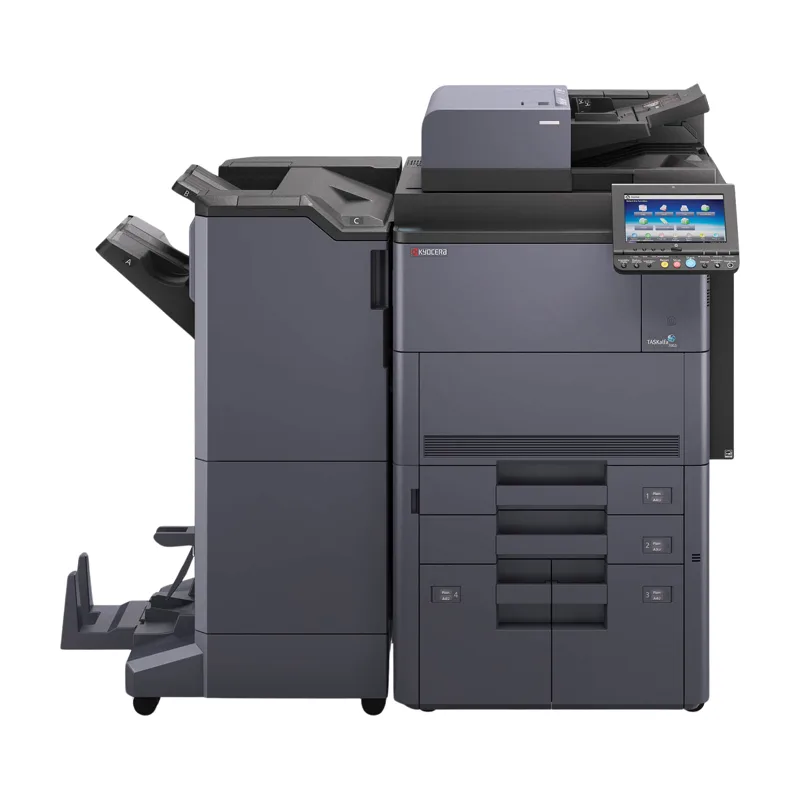
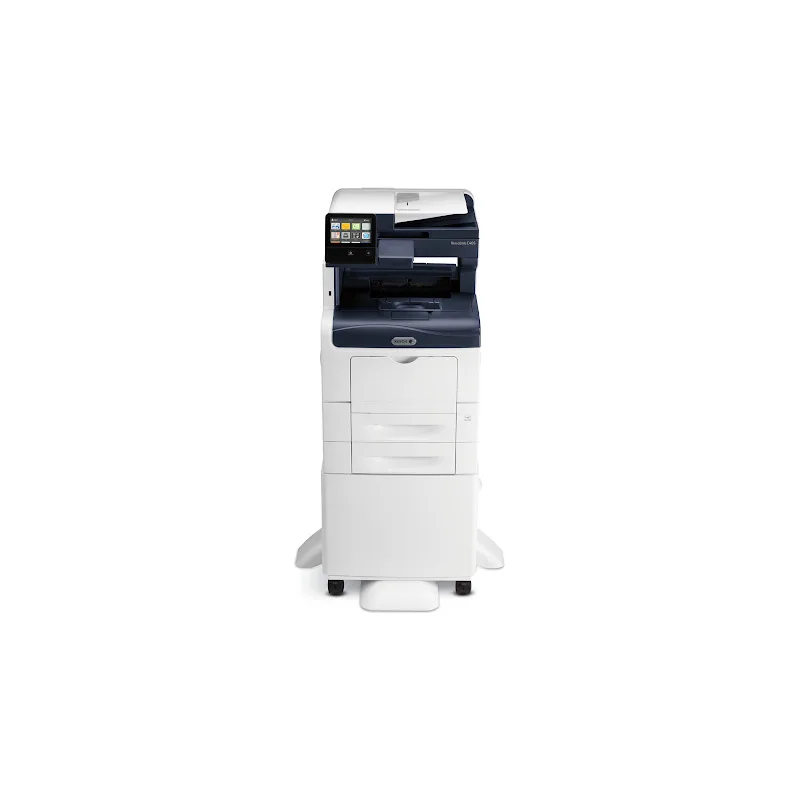
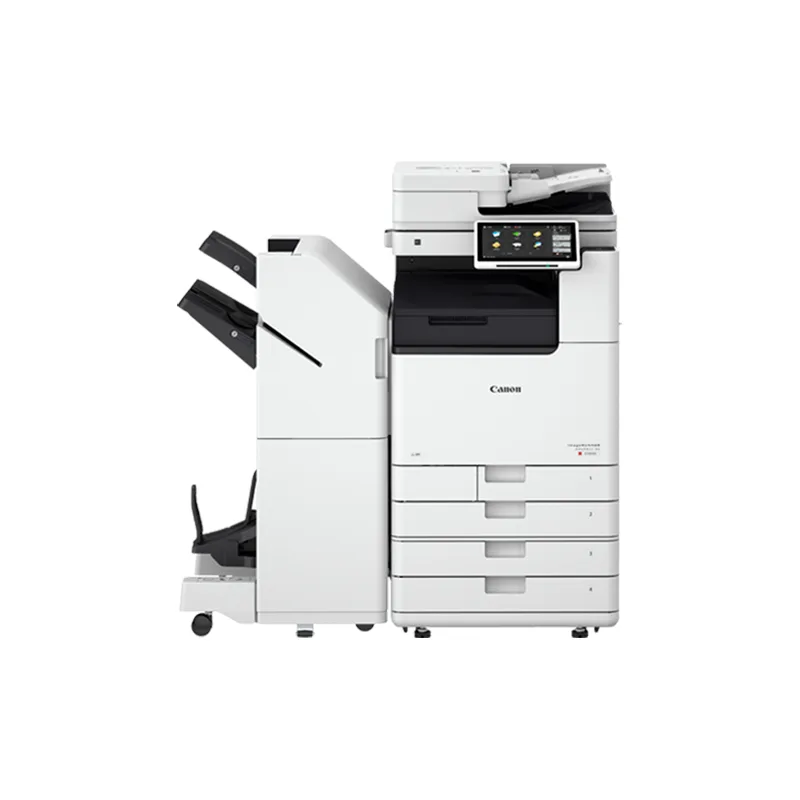
We repair and maintain Kyocera, Xerox, Ricoh and Canon copiers and multifunction printers, and standalone office laser printers. For other brands, call with the model and we'll tell you whether we can help.
Preventive maintenance
Preventive maintenance is scheduled care that keeps a working device from failing: cleaning the paper path and scanner glass, replacing wear parts such as feed rollers and fuser components at the manufacturer's rated intervals, checking print quality, and updating firmware. Repair, by contrast, fixes a device that has already stopped working or shows an error. In Southwest Florida's humidity, storing paper sealed and off exterior walls also reduces misfeeds.
How service requests are handled
Submit a request through the form or call us with the model, error code and symptoms. We aim for same-day response when possible; the visit time is confirmed when you call, based on the fault and your address.
Parts, labor and written terms
Parts and labor charges, and any service-agreement coverage, are confirmed in writing before work proceeds. If a repair isn't worthwhile on an older device, we'll help you compare replacement or a short-term rental.