What document management software does
Document management software captures documents scanned on a multifunction printer, makes them searchable with text recognition, names and files them consistently, and stores them where your team can find them — a network folder, a cloud service or a business system. It replaces filing cabinets and manual renaming with a repeatable workflow.
Common scanning workflows
Most offices start with a few high-volume document types.
- Invoices and receipts routed to accounting
- Signed contracts and client files saved to the right client folder
- Forms scanned to searchable PDF for records
- One-touch scan buttons on the copier for each workflow
Working with your copier
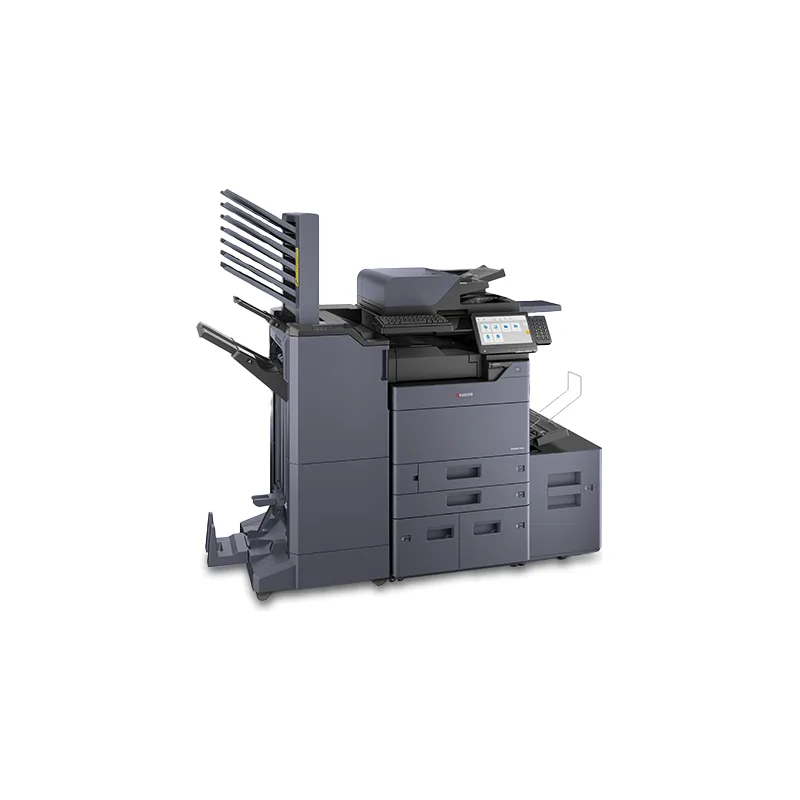
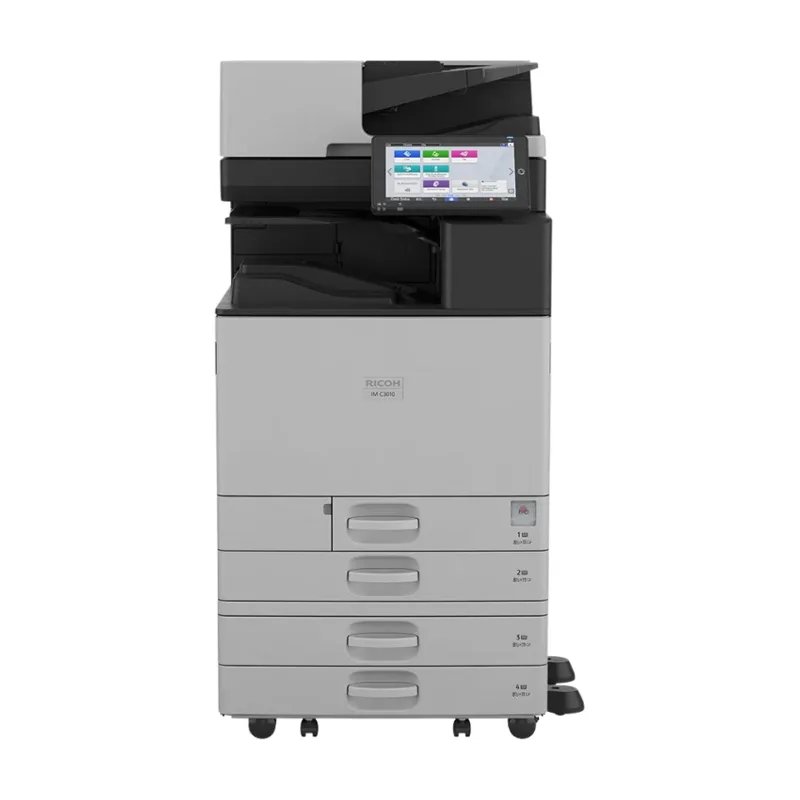
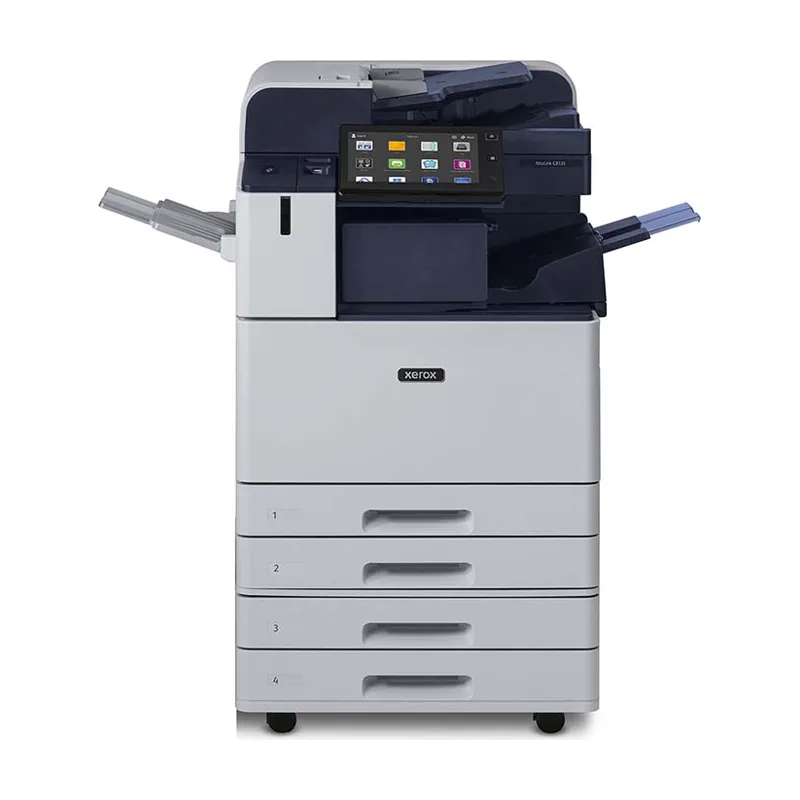
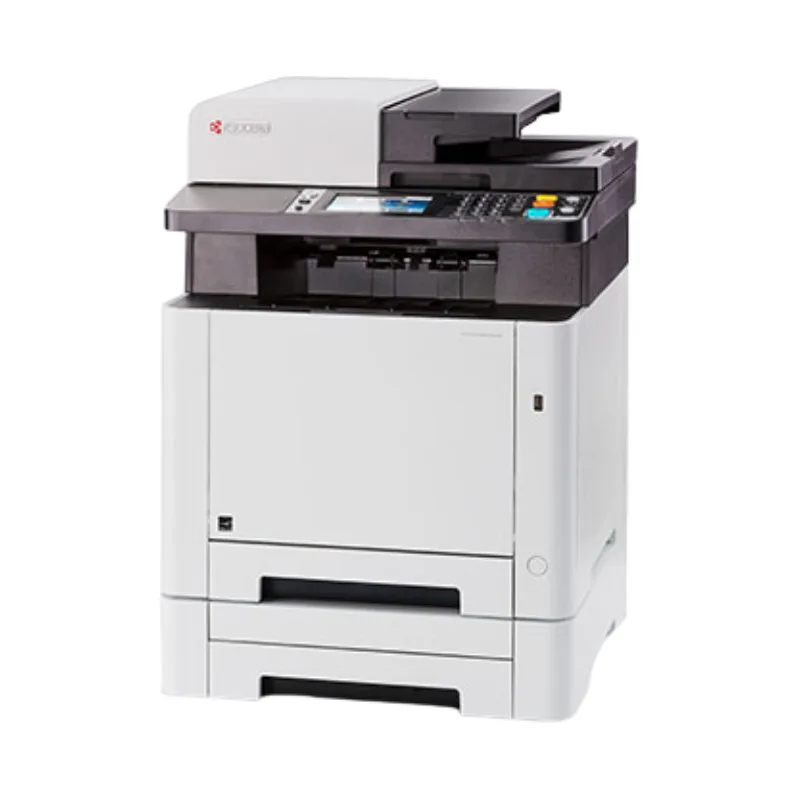
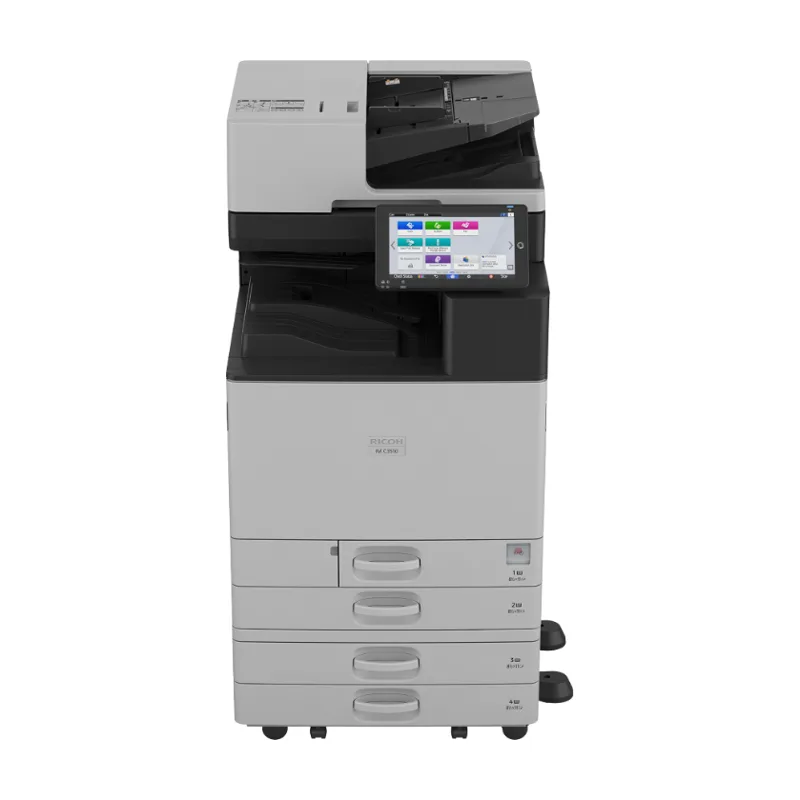
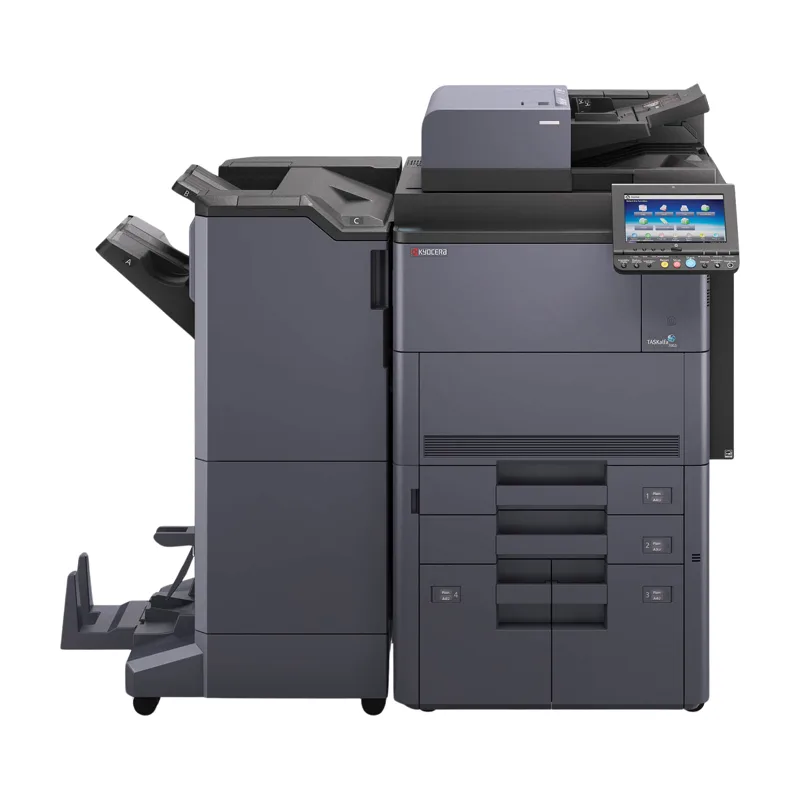
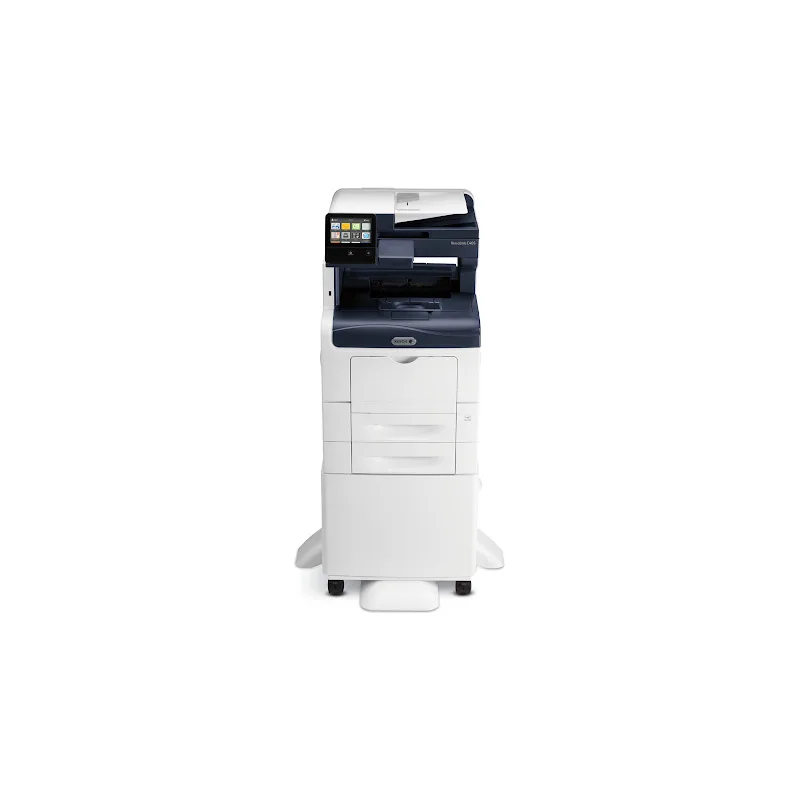
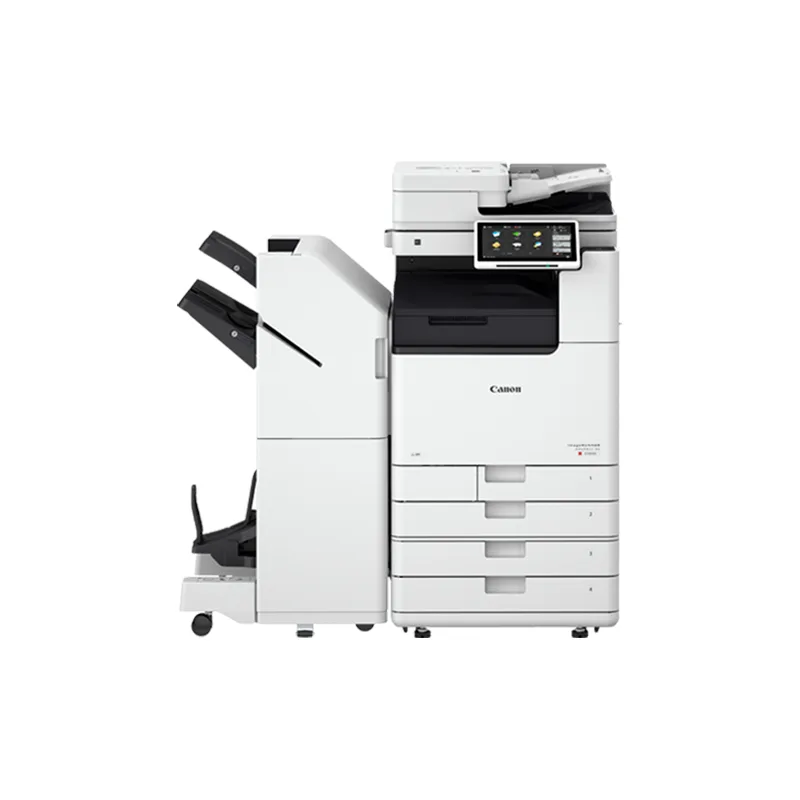
Workflows run from the copier's touch panel, so the device's scanning speed and document feeder matter. If you scan heavily, compare single-pass duplex scanning speeds when choosing equipment in the equipment catalog.
Getting started
We review which documents you scan, where they need to go and who needs access, then recommend the software and settings, and confirm the setup and terms in writing.